
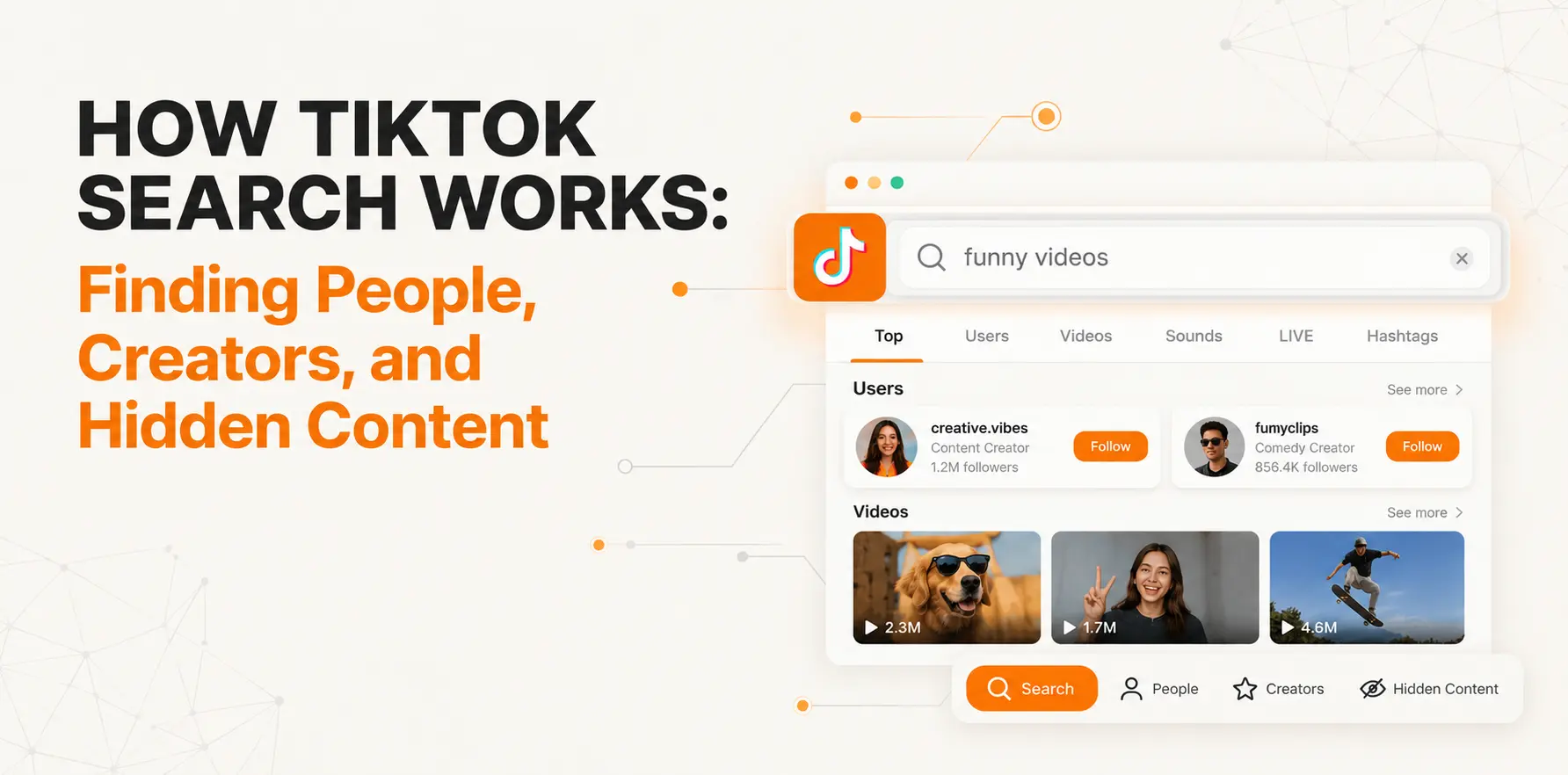
How TikTok Search Works: Finding People, Creators, and Hidden Content
Knowing how TikTok search works, from finding people and creators to uncovering hidden content, is now a practical skill rather than a niche trick. Millions of people open the app with a question instead of a wish to scroll. They want a recipe, a hair stylist in their city, a product review, or a specific creator. This guide explains what TikTok reads, how the search bar behaves, and how to find what the app does not make obvious.
Is TikTok Really a Search Engine?
TikTok as a search engine is no longer a joke. For many younger users, the TikTok video search engine is the first stop for tutorials, restaurant ideas, and travel tips. They search there because the answer arrives as a short video from a real person.
It differs from Google in what it ranks. Google ranks pages and links. TikTok ranks short videos, and it weighs what you personally watch, like, share, and follow. The same words can give two people different results. Treat TikTok search as a personalized video lookup, not a neutral index.
What Does “Search Queries” Mean on TikTok?
If you have wondered what search queries mean on TikTok, the answer is simple. A search query is whatever you type or speak into the search bar. It can be a username, a topic, a question, or a phrase.
You will see the term in three places.
Search suggestions and the “Find related content” bar
When you start typing, TikTok offers suggested queries drawn from what other people search. Under some videos, a bar labeled “Find related content” shows a query linked to what you are watching. Tapping it runs that search. It is a quick way to see how TikTok connects topics.
Related searches on results pages
Scroll to the end of a results page and you may see more suggestions. These show how people usually narrow a topic. They are good for refining a vague search without guessing.
Search queries in a creator’s analytics
For creators, search queries are the phrases that led viewers to a video. They sit with other traffic data in analytics, so a creator can see which wording works. Availability depends on your region and account.
What TikTok Actually Reads
Typed keywords are only part of the picture. A video carries several kinds of information, and the search system can use all of them.
Captions and descriptions
Captions are indexed for meaning as well as exact words. A clear, specific description helps TikTok place the video in the right topic.
On-screen text
Text overlays are read, so a video can match a search even when the caption never mentions the phrase.
Spoken words
Speech in a video can be transcribed and matched to queries. A creator who says the topic out loud in the first seconds gives the system a strong signal.
Sounds and creator profiles
Every sound has its own page that groups the videos using it. Usernames and bios also matter, which is why searching a profession can surface creators who describe themselves that way.
How to Search on TikTok, Step by Step
You can search on TikTok in the app or in a browser, and the basic search is free.
In the app:
- Open TikTok and tap the magnifying glass at the top of the screen.
- Type or paste your query. Pick a suggestion or press search.
- Swipe through the tabs to switch between kinds of results.
- Tap the filter option to narrow the list.
In a browser:
- Go to tiktok.com and use the search box.
- Browse the results. TikTok may ask you to log in after a few interactions, and some features need an account.
So, can you search on TikTok without an account? Often you can for basic browsing, but access varies by region and changes over time. Logging in gives the fullest and most personalized results.
TikTok Search Tabs Compared
The tabs are the fastest way to change what you are looking for. Layouts differ by version and country, so some labels may vary.
| Tab | What it shows | Best used for |
|---|---|---|
| Top | A mix of popular videos and accounts | A general first look at a topic |
| Videos | Videos only | Tutorials, reviews, how-tos |
| Users | Accounts matching your query | Finding a specific person or brand |
| Sounds | Audio tracks and the videos using them | Following a trend back to its origin |
| LIVE | Current live streams | Real-time events and Q&A |
| Hashtags | Tags and their top videos | Exploring a community or theme |
Filters and Sorting
When you search TikTok videos, the filter menu gives you control that most people skip. Depending on your version, you can sort by relevance or popularity, and limit results by when they were posted. The date option is useful for fast-changing topics such as app features, prices, or news, because older videos can be outdated even when they are popular.
A useful habit: run one search with the default order, then repeat it sorted by newest. Comparing the two shows you the established answers and the emerging ones.
How to Find People and Creators on TikTok
Search by username first
If you know the handle, search it exactly and open the Users tab. Check the profile for a matching bio, a consistent posting history, and a verification badge where relevant. Handles that look alike are common, so confirm before assuming.
Search by context when you don’t know the name
TikTok surfaces people through what they make, so describe the situation instead. “Day in the life of a nurse” or “opening a bakery” will usually show better matches than a vague word. Adding a city or a niche narrows it further.
Follow sounds and hashtags to the source
Open a sound page and sort through the videos to see who used it first and who keeps returning. Smaller, more specific hashtags tend to group tighter communities than broad ones.
A quick test you can run
Search one topic three ways: by a keyword, by a full question, and by a hashtag. Note which creators appear in all three. Those repeat names are usually the established voices on the subject.
Why You Can’t Find Some Profiles
When a search comes up empty, the cause is usually one of these:
- The username was changed, so the old handle no longer matches.
- The account is private, which limits what search shows.
- The account was deleted, banned, or has restricted visibility.
- You or the user have blocked each other.
- Heavy personalization is pushing the profile out of your results.
- A regional restriction hides content in your country.
If you have a name or a handle but TikTok will not confirm it, a dedicated lookup helps. You can use the TikTok profile finder to look up a public profile by username and confirm it exists without relying on the app’s personalized ranking. Searching with variations of the handle is also worth trying.
Finding Hidden Content with Creator Search Insights
Much valuable content is hidden by competition, not by privacy. Creator Search Insights is a free in-app tool, available in select regions, that shows what people search for on TikTok. You can reach it by searching for its name in the app, and access can differ by account.
Understanding the content gap filter
The content gap view lists topics that are searched often but have few strong videos. For viewers, it signals where answers are scarce. For creators, it points to under-served topics.
Content gaps come in a few forms. Some topics have almost no videos. Others have videos that are vague, outdated, or limited to one language. Checking the actual results tells you which kind you are looking at.
Check the gap yourself
Do not trust the score alone. Search the phrase, watch the top results, and note what is missing: no steps, old information, or unanswered comments. That missing piece is your opportunity.
How to Make Your Own Videos Easier to Find
If you publish on TikTok, treat search as a second distribution channel.
- Say the topic in the first few seconds of the video.
- Put the phrase on screen where it reads naturally.
- Write a specific caption instead of a list of tags.
- Choose a cover text that matches the question the video answers.
- Review which queries brought viewers in, and make a follow-up for each.
Avoid repeating a keyword unnaturally. The goal is to make the topic obvious to a person first, and the system will follow.
Strengths and Limits of TikTok as a Search Tool
| Strengths | Limits |
|---|---|
| Real people showing real experience | Results are personalized and hard to compare |
| Strong for local and emerging topics | Accuracy is not checked in advance |
| Fresh, recent content | Older useful videos can be buried |
| Free to use for basic search | Some features depend on region and account |
Searching Responsibly
Public search is fine, but how you use it matters. Verify claims before acting on advice, especially on health, money, or legal topics, because anyone can post confidently. When looking up a person, stick to public information and a clear, legitimate purpose. Do not use search results to harass, stalk, or expose someone’s private details. If you find a profile impersonating you, report it through TikTok’s tools.
FAQs
What is search queries on TikTok?
A search query is the word or phrase you enter in the search bar. TikTok also shows suggested queries, and creators can see which queries led viewers to their videos.
What does search queries mean on TikTok under a video?
It usually refers to the suggested search shown under a video, linked to the “Find related content” bar. Tapping it runs a search related to what you watched.
Can you search on TikTok without an account?
Often yes, for basic browsing in a browser, though prompts to log in appear and availability varies by region.
Is TikTok search free?
Yes. Searching videos, users, sounds, and hashtags costs nothing.
Why do I see different results than my friend?
TikTok personalizes by your watch history, interactions, and location, so results differ.
How do I find a TikTok user if I don’t know the username?
Search by their name plus context such as city or profession, check the Users tab, and try related hashtags and sounds. A profile lookup tool can help confirm a handle.
Does TikTok read text and speech in videos?
Yes. On-screen text and spoken words can contribute to what a video appears for.
What is the content gap in Creator Search Insights?
It is a filter showing searches with high demand but too few strong videos.
Conclusion
Understanding how TikTok search works, from finding people and creators to uncovering hidden content, comes down to a few habits. Use specific queries, switch between tabs, apply filters, and describe situations instead of single words. Remember that results are personal and that private, renamed, or restricted accounts may not appear. For deeper research, Creator Search Insights reveals what people want, and a tool like the TikTok profile finder helps you confirm who is behind a profile.